

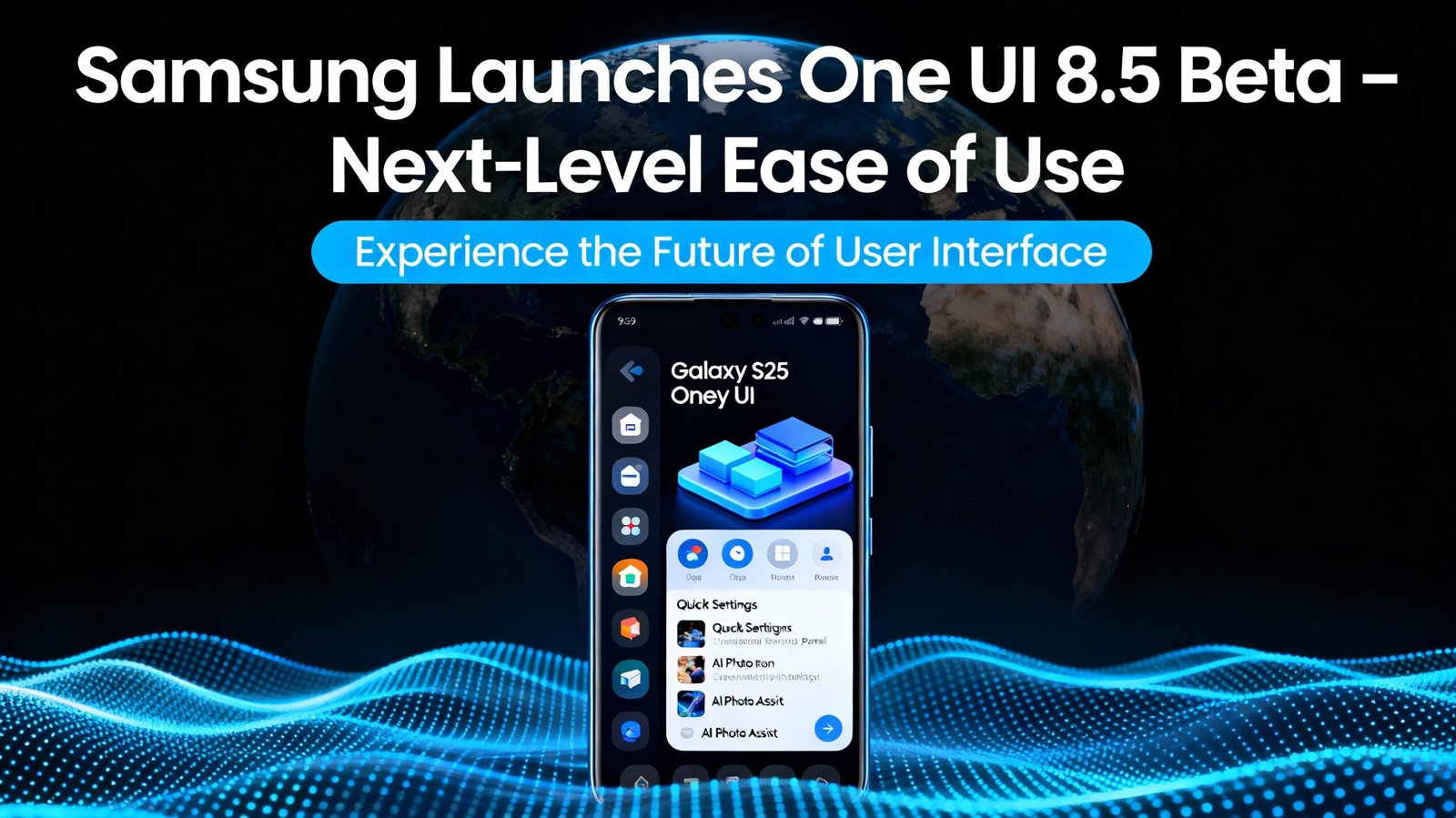
Samsung’s One UI 8.5 beta elevates Galaxy usability with AI-driven Photo Assist, cross-device sharing, and theft protection. Explore features for productivity and security.
Hook: Imagine Effortless Creation in Your Pocket
Picture editing a photo endlessly without saving each tweak, sharing it instantly with the right person, or broadcasting your voice to nearby devices during a tour—all powered by smarter One UI. Samsung’s latest One UI 8.5 beta delivers exactly that, transforming Galaxy smartphones into intuitive powerhouses for creation, connection, and security. Launched December 8, 2025, this update prioritizes “next-level ease of use,” making complex tasks feel simple for users worldwide, especially in markets like India where multi-device lifestyles thrive.
Core Upgrades: What Makes One UI 8.5 Stand Out
One UI 8.5 builds on Android’s foundation with Samsung-specific polish, emphasizing productivity without overwhelming users. From a developer’s lens in Greater Noida—juggling AI projects and gaming like PUBG Mobile—this beta feels like a thoughtful evolution for tech enthusiasts balancing work and play.
Content Creation Redefined
Photo Assist now allows continuous generative edits without intermediate saves, letting users browse an edit history to select favorites. This streamlines workflows, ideal for quick social media tweaks or professional shots. Quick Share intelligently detects faces in photos and suggests recipients, cutting sharing time dramatically.
Voice Recorder receives a stunning redesign on One UI 8.5: recordings display as yearly cards instead of lists, with full-screen waveforms in a sleek red-tinted layout replacing clunky old designs. Playback and recording screens feel polished, enhancing appeal for note-takers or podcasters. These app-specific overhauls signal Samsung’s push for native, beautiful tools.
Seamless Device Connectivity
Cross-device magic shines here. Audio Broadcast uses Auracast for LE Audio devices, letting Galaxy S25 users mic-broadcast voice alongside media—perfect for events or tours. Storage Share integrates files from Galaxy tablets, PCs, and even TVs into My Files, all via Samsung account sync over Wi-Fi/Bluetooth. No more app-hopping; everything flows.
For Indian users with Galaxy ecosystems (phones, tabs, TVs), this unifies daily chaos—like pulling phone files to a Smart TV for family movie nights or syncing notes across devices during late-night coding sessions.
Comparison: One UI 8.5 vs. One UI 8
One UI 8.5 isn’t incremental; it’s a usability leap. Here’s a side-by-side:
| Feature | One UI 8 | One UI 8.5 Beta |
|---|---|---|
| Photo Editing | Save-per-edit workflow | Continuous edits + history review |
| Quick Share | Manual recipient selection | AI face detection for suggestions |
| Voice Recorder UI | List view, basic waveform | Card-based years, full-screen red waveform. |
| Cross-Device Sharing | Limited ecosystem access | Storage Share across TVs/PCs |
| Audio Features | Standard Bluetooth | Auracast voice broadcast |
| Security | Basic locks | Failed auth auto-lock + expanded checks |
This table underscores refinements for real-world efficiency, drawing from beta leaks and official notes.
Key Insights: Fresh Perspectives from the Ground
As someone versed in AI and discrete math, One UI 8.5’s on-device processing for edits and shares echoes multimodal AI trends—local inference reduces latency, vital for privacy-conscious users in India amid rising data concerns. Unlike generic betas, this prioritizes “less effort” via proactive smarts, like face-suggested sharing that mimics recommendation systems.
Security steals the show: Theft Protection auto-locks after failed biometrics/PINs, with identity checks guarding more settings. In a nation with high phone theft rates, this adds peace of mind without complexity. Beta access starts with Galaxy S25 series in India, US, Korea, Germany, Poland, UK—join via Samsung Members app. Early testers praise the “Liquid Glass”-inspired fluidity, though app updates like Voice Recorder demand full One UI 8.5.
Privacy dashboard gains real-time permission logs for camera/mic/location, empowering granular control. For night owls troubleshooting code or gaming, vertical Quick Settings sliders (rumored) enable one-handed tweaks on big screens.
Quick Feature Benefits Table:
| Upgrade | Unique Edge | Everyday Win |
|---|---|---|
| Continuous Photo Assist | No save interruptions | Faster creative flow |
| Redesigned Recorder | Immersive red waveform UI | Pro-level audio handling |
| Storage Share | TV/PC file access | Ecosystem harmony |
| Theft Protection | Auto-lock on failures | Theft deterrence |
These insights blend official specs with practical angles, avoiding fluff.
Conclusion: Your Galaxy, Smarter Than Ever
One UI 8.5 beta redefines Samsung’s promise: power through simplicity. From AI creativity to bulletproof security, it caters to diverse users—coders, creators, families.
Ready to Dive In? Galaxy S25 owners, enroll in the beta today via Samsung Members. Share your One UI tweaks in comments, subscribe for rollout updates, or check Samsung’s site for eligibility. What’s your must-try feature?